MCP Security
MCP Security: Threat Model, Common Risks and Hardening Steps
The threat model of MCP servers, the risks that come up most, and the steps that harden them.
Runs Vanguard static analysis and OrCa fuzzing from every session and brings your AuditHub findings back, for engineers who build with AI.
Open source MCP server. Works with Claude Code and Codex CLI.
uv tool install 'git+https://github.com/Veridise/audithub-mcp'
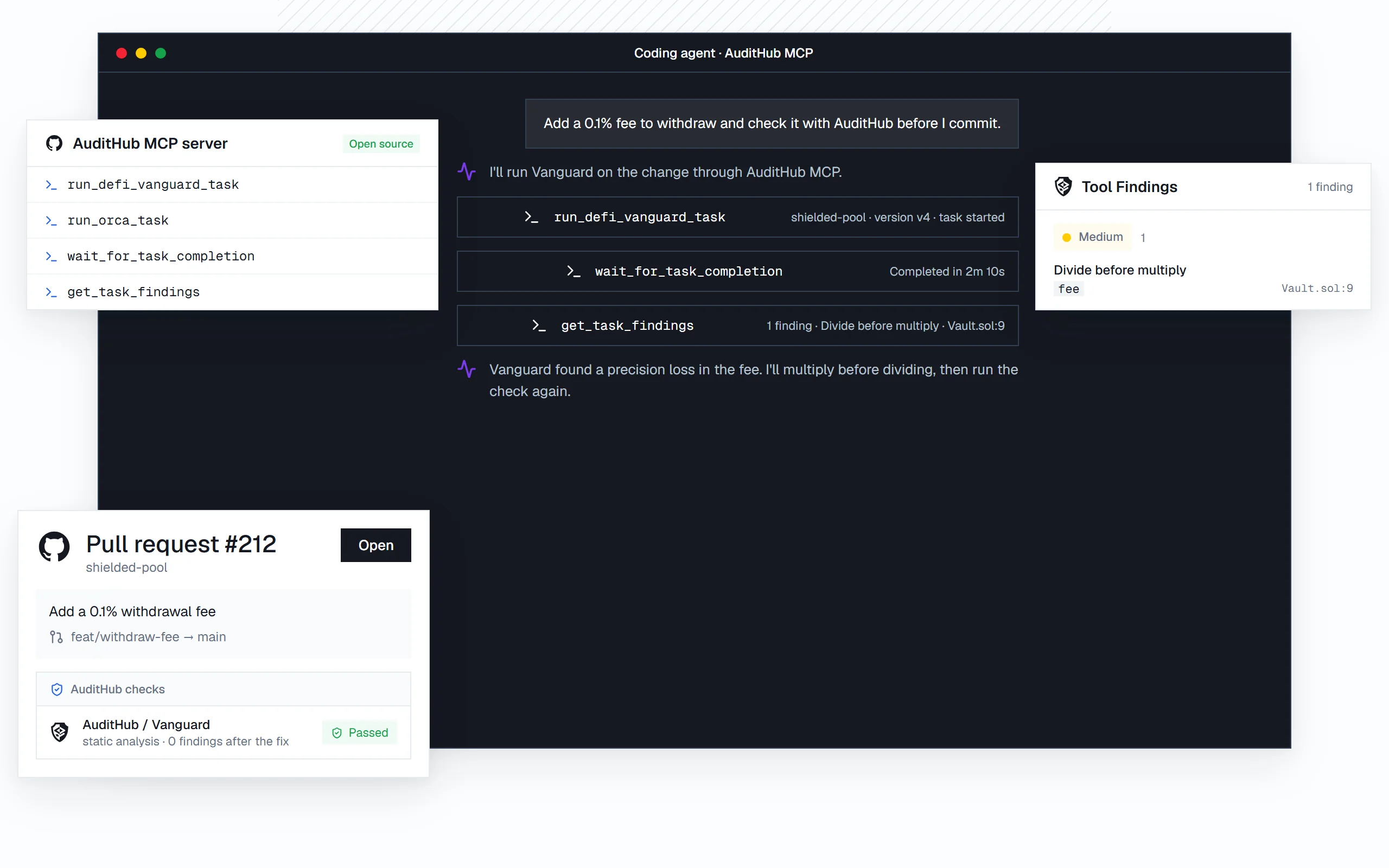
From install to your first security check, without leaving your coding agent.
// 001
Install it with uv. It needs Python 3.12 or later.
uv tool install 'git+https://github.com/Veridise/audithub-mcp'
audithub-mcp --help// 002
Add AuditHub MCP to your agent’s configuration, with one command.
claude mcp add audithub-mcp audithub-mcp
codex mcp add audithub-mcp// 003
Add an AuditHub API key and the projects it may access to the server’s config file, turn on task runs, then ask your agent to check the code you are working on.
~/.config/audithub-mcp/config.yamlYour coding agent flags a risky call path as you write it. Through AuditHub MCP, it runs the security tool that fits, and the evidence comes back into your session: exact lines or failing inputs.
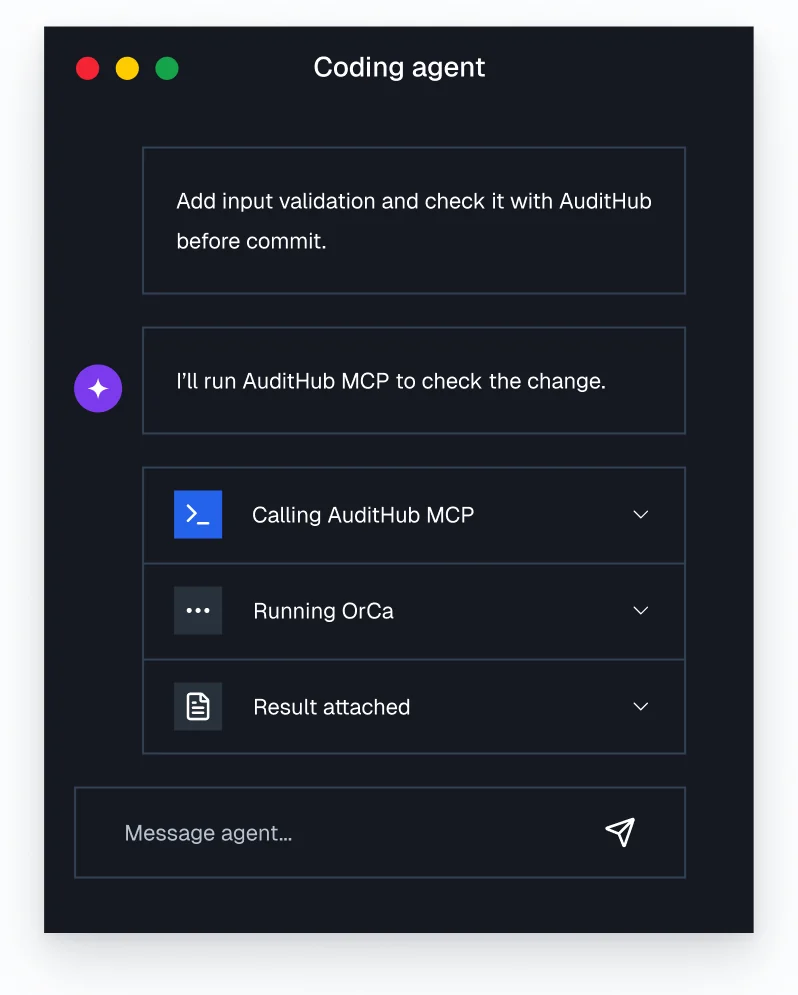
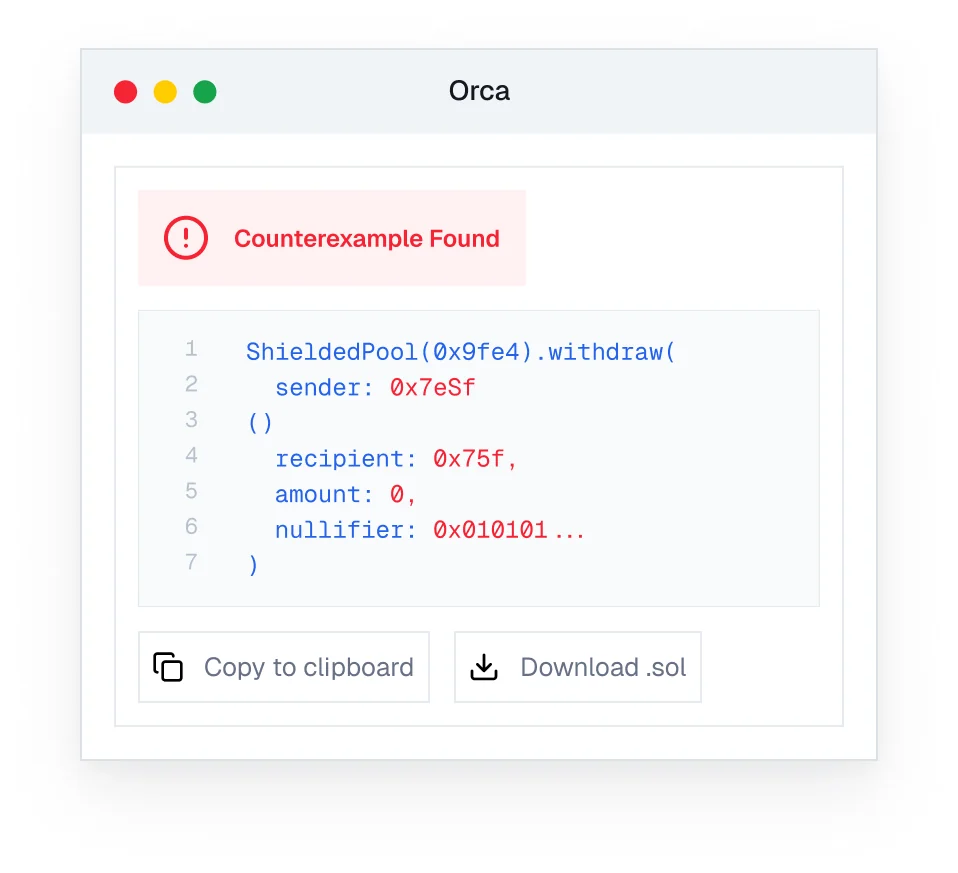
Want an agent to run the whole review? Scout does it on the AuditHub platform.
Two of AuditHub’s security tools, built on formal methods, called from your coding agent.
Vanguard detects reentrancy, access control issues and unsafe patterns across contract boundaries, with built-in and custom detectors.
OrCa tests your contracts against the behavior you specify in [V] and returns exact inputs and traces when a property fails.
Read the tasks, findings and issues of your AuditHub projects, and validate a custom detector pattern before you upload it.
Connect AuditHub MCP to the coding agent your team already uses.
Add AuditHub MCP to Claude Code with one command.
claude mcp add audithub-mcp audithub-mcpAdd AuditHub MCP to Codex CLI with one command.
codex mcp add audithub-mcpAny MCP-compatible client can launch the server with the audithub-mcp command.
audithub-mcpRead the server’s code before you connect it to your agent. Where your code goes, how long it is kept, who can see it, and why it never trains a model are documented on our Trust page.
On RISC Zero’s zkVM circuits, Picus surfaced 35 issues during development, and they were mitigated before launch.
Security tools your coding agent can call through the Model Context Protocol (MCP). AuditHub MCP lets your agent run Vanguard static analysis and OrCa fuzzing, and read the findings of your AuditHub projects, during your session.
Yes, the server is open source under the Apache 2.0 license, and its code is on GitHub. The security tools it calls are AuditHub’s own.
Claude Code and Codex CLI, with a one-line command for each. Any other MCP-compatible client can launch the server with the audithub-mcp command.
Yes. You can start for free, then add your AuditHub credentials to the server’s config file. The server is read only by default, and anything that changes your projects, including running a tool, is opt in.
Scout is AuditHub’s own review agent: it runs on the platform, learns your protocol and decides which tool to run. AuditHub MCP brings the security tools to the coding agent you already use.
Still have questions? Contact us
MCP Security
The threat model of MCP servers, the risks that come up most, and the steps that harden them.
MCP Security
Authentication, tool poisoning and least privilege, applied to the MCP server you run for your coding agents.
MCP Security
A checklist to run through before an MCP server goes to production.
Install the open source AuditHub MCP server.