
Run AuditHub’s Security Tools From Your AI Agent
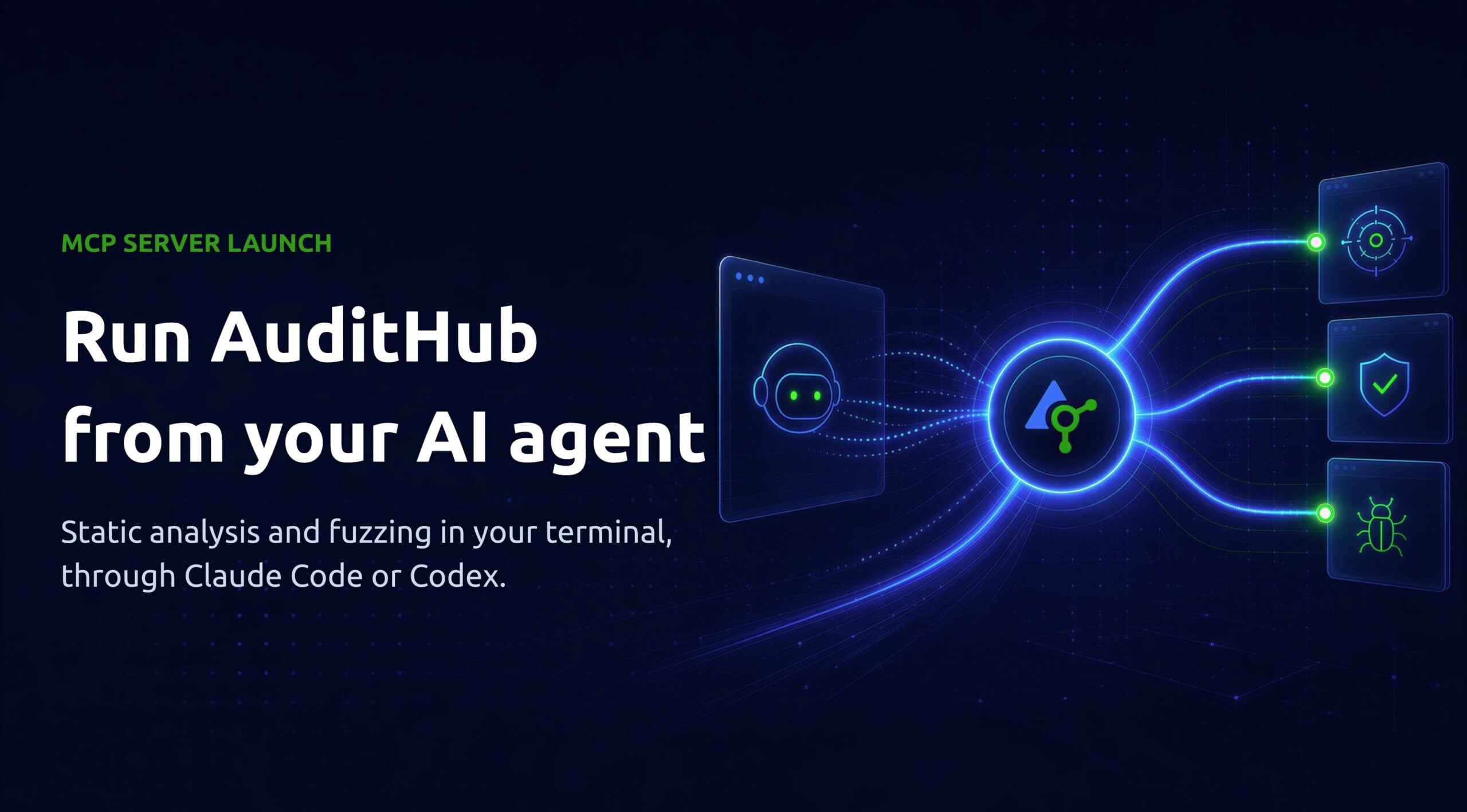
AuditHub now runs inside your AI agent. A new open-source MCP server connects the AuditHub blockchain security platform to Claude Code and Codex, so you can point an agent at your contracts and have it run static analysis, fuzz the code against a spec, and report back what it finds, all from the terminal. The server reads by default. Running a tool is a switch you turn on yourself.
TLDR
- AuditHub now ships an open-source MCP server for Claude Code and Codex.
- Run DeFi Vanguard analysis and OrCa fuzzing, all from your agent.
- Read-only by default: pull any finding, run tools only when enabled.
- Add open-source Skills so the agent runs the whole campaign.
What the server can do
Out of the box, the server reads. An agent can list the organizations, projects, and versions it’s allowed to see, and pull existing findings, issues, comments, and logs into its context, all without changing anything.
With task execution on, it can also run tools. It can launch OrCa, AuditHub’s smart contract fuzzer, and run DeFi Vanguard’s static analysis. Those are the only two tools it launches. It reads findings from every tool on the platform, including Picus and ZK Vanguard runs done in the web app, but launching something from the agent means one of those two.
Why it’s worth turning on
The obvious win is fewer trips between your editor and a dashboard. That undersells it.
What matters is that the agent can run the security work itself. Ask it to check a contract, and with the right skills loaded it will pick the properties worth testing, write them as specs, launch the fuzzer and the static analyzer, and sort the real bugs from the noise. Work that used to mean a security engineer and an afternoon becomes a sentence you type. Leave the tools in a separate tab and that depth is still technically there, but almost nobody makes the trip. Wire them into the agent and it happens by default.
Setup
Install the server, point your agent at it, then give it an API key and the list of projects it may touch. A few minutes.
Install
You’ll need Python 3.12 or later and uv. Then install from the repo (no PyPI release yet):
|
1 2 |
uv tool install 'git+https://github.com/Veridise/audithub-mcp' |
Connect your agent
|
1 2 3 |
claude mcp add audithub-mcp audithub-mcp # Claude Code codex mcp add audithub-mcp # Codex |
Configure
Settings live in a YAML file, ideally at ~/.config/audithub-mcp/config.yaml with 400 permissions since it holds credentials:
|
1 2 3 4 5 6 7 |
audithub_base_url: <https://audithub.veridise.com/api/v1> audithub_oidc_configuration_url: <https://your-idp/.well-known/openid-configuration> audithub_oidc_client_id: your-client-id audithub_oidc_client_secret: your-client-secret allowed_org_ids: [1] allowed_project_ids: [10, 20] |
The allowlists aren’t optional. Anything outside them is rejected before a network call goes out.
Generate your API key from account settings: https://docs.audithub.dev/saas/guide/pages/account_settings/API_keys
Full configuration reference: https://github.com/Veridise/audithub-mcp/blob/main/docs/configuration.md
Turn on tools
Execution stays off until you ask for it:
|
1 2 3 4 |
capabilities: task_runs: true # run OrCa and DeFi Vanguard version_creation: false # upload source as a new version |
What it looks like
Once the server is connected, this is the kind of thing you type.
Run a static-analysis pass and clear the noise before a human looks:
Run DeFi Vanguard on the latest version of my Vault project with all built-in detectors. Pull the findings and confirm or dismiss each one against the source.
Or hand OrCa a property and let it hunt for a way to break it. Properties are written in a small language called [V]. An access-control check looks like this:
|
1 2 3 |
vars: Contract c spec: []!finished(c.privilegedFn) |
That says a privileged function should never run to completion for one of OrCa’s unprivileged fuzz users, so any success is a counterexample. The agent can take that requirement in plain English, turn it into the spec, run OrCa, and tell you whether what came back is a real bug or a spec that was too strict:
Run an OrCa task on the latest version of my Vault project. Write a spec that checks the vault cannot be paused by a non-admin, and set the timeout to 1800 seconds.
With only read access it goes lighter. An agent can pull a project’s existing findings and open issues into context, which is useful for a client tracking a live engagement.
The Skills that drive it
The server gives the agent access. A companion open-source repo, AuditHub Skills, gives it the know-how. The OrCa pack is a dozen skills covering fuzzing end to end, from choosing a target and standing up a deployment to writing the [V] specs and reading the counterexamples. The DeFi Vanguard pack handles scan planning, triage, and custom detectors. One more, the invariant discoverer, reads a protocol and proposes the properties worth testing, whatever tool you run next. Together they turn an agent that can fetch a finding into one that runs the whole campaign.
Install a pack by symlinking it into your agent’s skills directory. Grab the packs from the skills repository: https://github.com/Veridise/audithub-skills
|
1 2 |
ln -s "$(pwd)/orca" ~/.claude/skills/orca |
How it handles access
This is aimed at security teams, so the access model got real attention. Read-only is the default, the allowlist keeps an agent inside the projects you name, and the OIDC secret is read once at startup, never surfacing in a tool argument, a log, or an error. It’s open source under Apache 2.0, so you can check all of that rather than take it on trust. The README adds a fair warning of its own. Agents get things wrong, so read the output before you act on it.
Good to know
The install is from git until a PyPI release lands. OrCa can fuzz contracts that are already deployed, but it works from source you’ve uploaded as a version, so this isn’t a paste-in-an-address scanner. And the agent doing the work doesn’t move the review off your plate. Reading the results is still the job.
Try it
Connect a GitHub repo in AuditHub and the checks run on every commit.
Star the server: https://github.com/Veridise/audithub-mcp
Try AuditHub free: https://app.audithub.dev/
Book a demo: https://audithub.dev/book-a-demo/